
BARS Card — Staff Editability Test
Three implementations of the same card. Open this page in the editor to see how each one feels for staff. The visual rendering should look near-identical for all three.
A — Current (raw HTML)
Editor experience: single block labeled “Custom HTML”. Staff can only switch to “HTML” mode and edit raw markup. Whole card is clickable.
B — wp:cover (native blocks throughout)
Editor experience: Cover block. Staff click the cover image to Replace it. Click the heading to edit “BAR” text. Click the button to edit text + link. The whole-card click is replaced by the button.
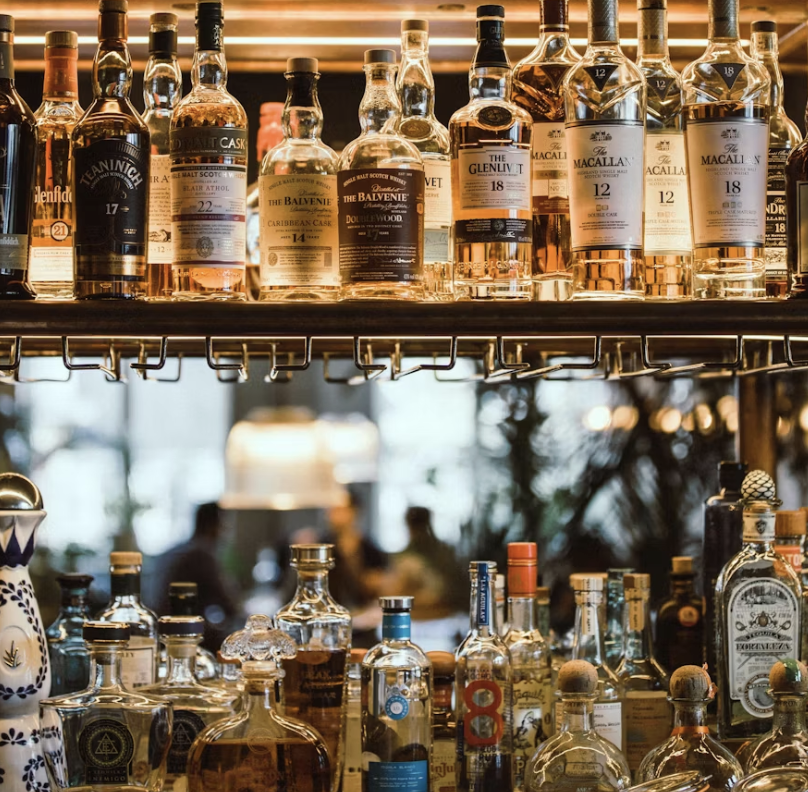
Bar
C — wp:cover wrapped in clickable anchor (hybrid)
Editor experience: Same as B (image/heading editable in editor) BUT the WHOLE card is clickable. Tradeoff: the surrounding anchor is in a small wp:html wrapper that staff shouldn’t touch.